Flyback Download
Promo videoFifteen secondsPlays on its own, sound one click away

Flyback / patchable synthesizer

One patch.
A picture and a sound.

Flyback is a modular synthesizer where the same patch draws on the screen and plays through the speakers. Wire oscillators, patterns, geometry and feedback together, and watch and hear the result change as you turn a knob. Or say what you want: the assistant built into the editor wires it, looks at what it drew, listens to what it plays, and puts it on the canvas as an edit you can undo.

A patchable synthesizer for Windows, macOS and Linux. Releases are built for Windows x64, macOS on Apple silicon, Linux x64 and Android on arm64. MIT licensed.
Flyback ThemePicture and soundOpen it in the editor
Runs on
Windows, macOS, Linux, Android and the browser
Modules
Fourteen families, a preset for each
Presets
More than forty, single ideas to whole tracks
License
MIT, source on GitHub
01Signal path

Wire it once. The screen draws it and the speakers play it.

Every module has sockets, and a wire carries a signal from one socket to another. Whatever reaches the Output's color is drawn, and whatever reaches its left and right is heard. Under the hood the patch becomes one small program, run once for every pixel of the picture and once for every sample of the sound, so a change to any wire shows and sounds at the same moment.
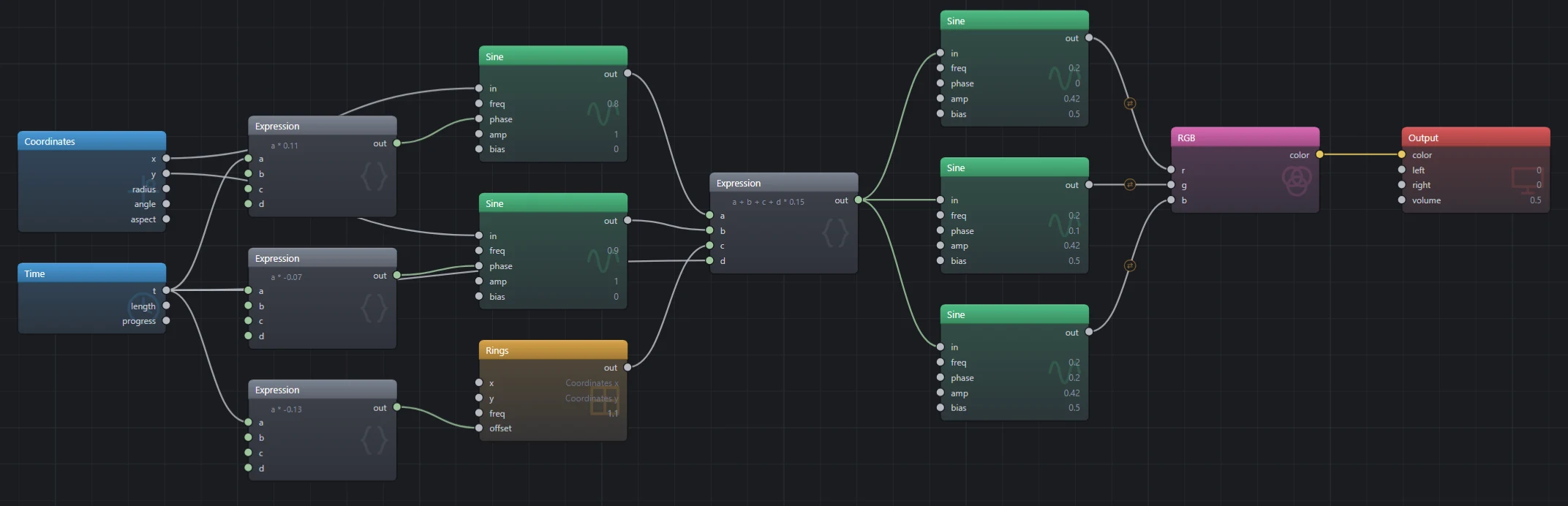
The Plasma patch on the canvas: Coordinates x and y each feed a Sine, Time goes through three Expressions into the two Sines' phases and a Rings' offset, an Expression reading a + b + c + d * 0.15 sums the three fields with the clock, and three Sines a tenth of a turn apart read the sum as red, green and blue into an RGB wired into the Output.
The Plasma preset on the canvas: fourteen modules and nineteen wires.
// The same patch, as text.
let across = x |> sine(freq: 0.8, phase: t * 0.11)
let down   = y |> sine(freq: 0.9, phase: t * -0.07)
let round  = rings(freq: 1.1, offset: t * -0.13)
let field  = across + down + round + t * 0.15

let r = field |> sine(freq: 0.2, phase: 0,   amp: 0.42, bias: 0.5)
let g = field |> sine(freq: 0.2, phase: 0.1, amp: 0.42, bias: 0.5)
let b = field |> sine(freq: 0.2, phase: 0.2, amp: 0.42, bias: 0.5)

color.rgb(r: r, g: g, b: b) |> out.color

Picture and sound share one patch

Wire a signal into the Output's color and you see it. Wire it into left and you hear it. A slow oscillator can set the hue of the image and the tremolo on the tone at the same time.

Sockets have sensible defaults

Position inputs are already connected to Coordinates and time inputs to Time, so an oscillator starts oscillating as soon as you place it, before you draw a single wire.

Every edit recompiles, live

The preview draws on the GPU where it can, and the sound keeps playing while you patch. A toolbar button swaps the preview and the canvas for a bigger picture. Undo takes back any edit, including a whole patch the assistant built.

02Presets

What the presets look like.

Flyback ships with more than forty presets, from single ideas to whole tracks. Click one to play it in your browser.
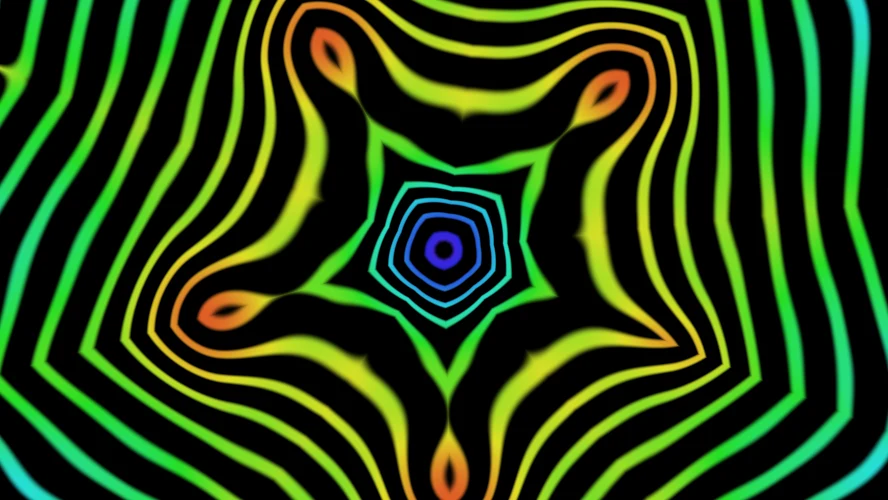
A star of green and yellow rings, with orange and violet lines round it. Play Whole band in the browser.
Whole band
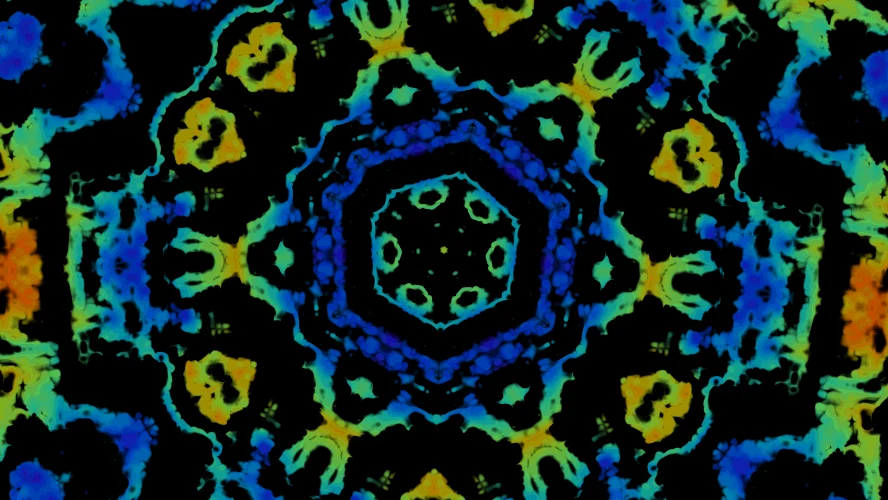
A ring of blue, green and orange fragments round a dark center. Play Acid in the browser.
Acid
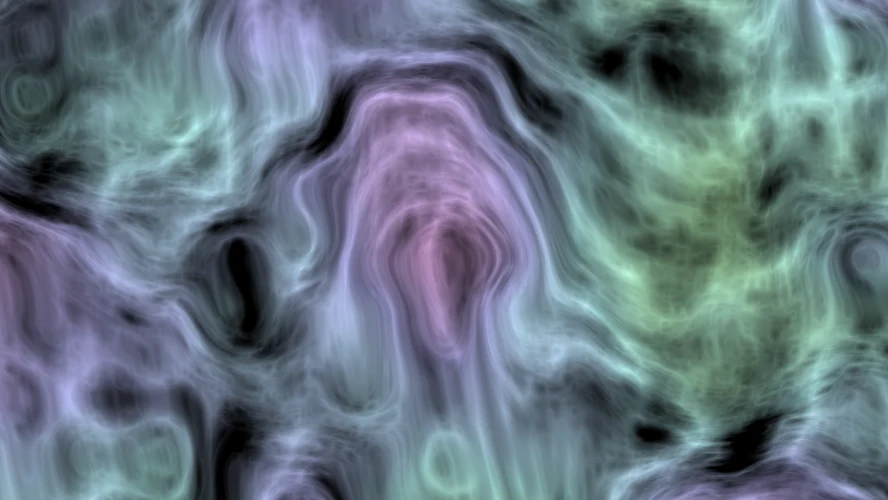
Gray and lilac veins like polished stone. Play Marble in the browser.
Marble
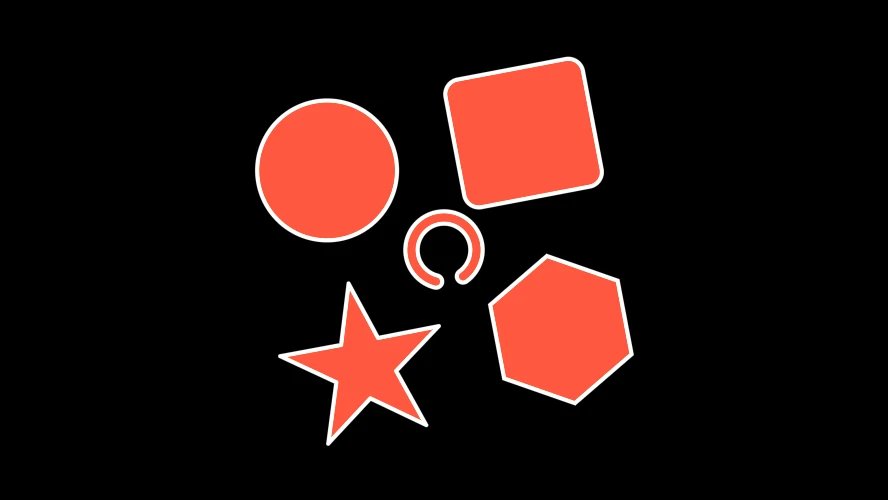
A circle, a rounded square, a hexagon and a star in coral on black, round an almost closed ring. Play Four forms in the browser.
Four forms
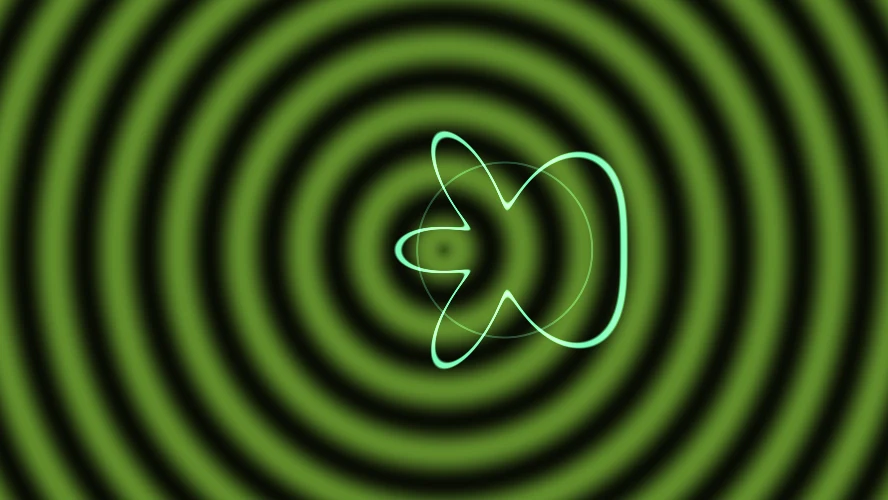
Green concentric rings with a pale looping trace in the middle. Play Ring scan in the browser.
Ring scan
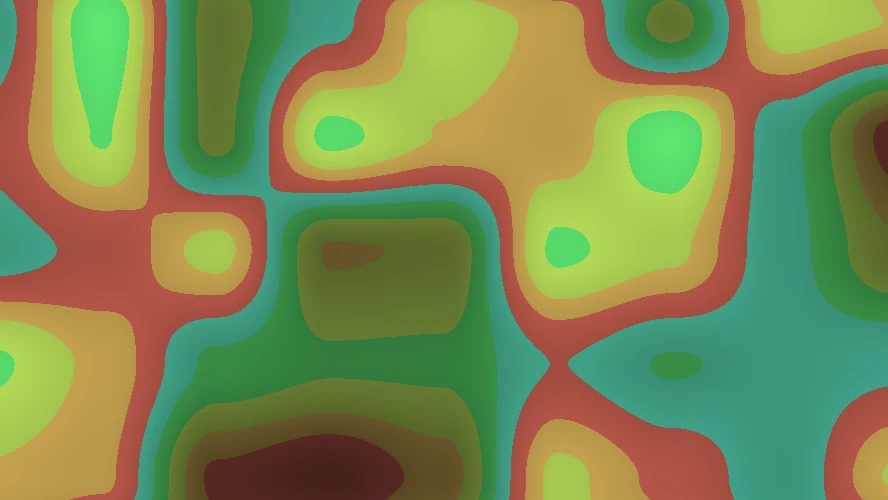
Soft terraces of ochre, green and teal. Play In key in the browser.
In key
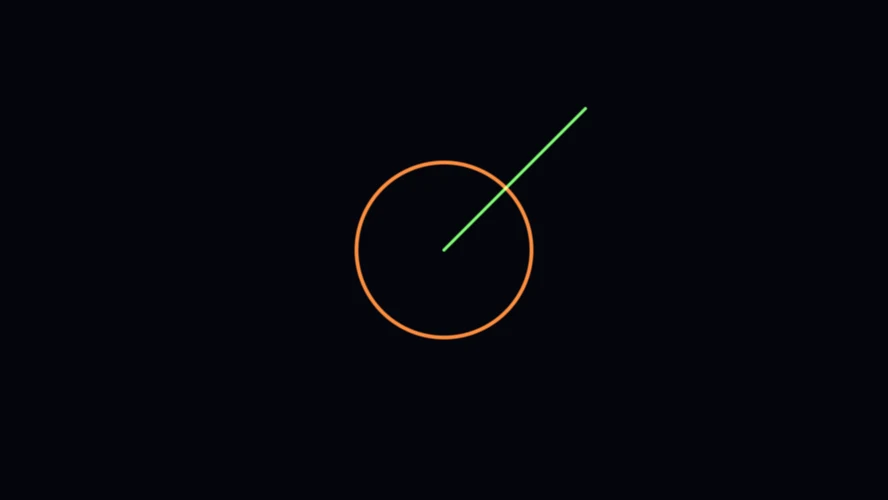
An orange ring on black with a green clock hand. Play Euclid kit in the browser.
Euclid kit
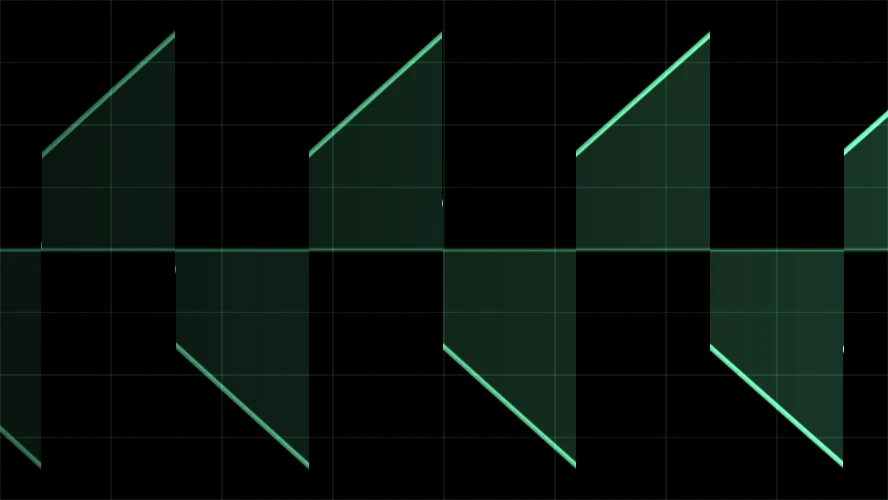
A green waveform on a dark grid, halfway between a triangle and a square. Play Waveform in the browser.
Waveform
03Built in

Say what you want. The assistant patches it, then looks and listens.

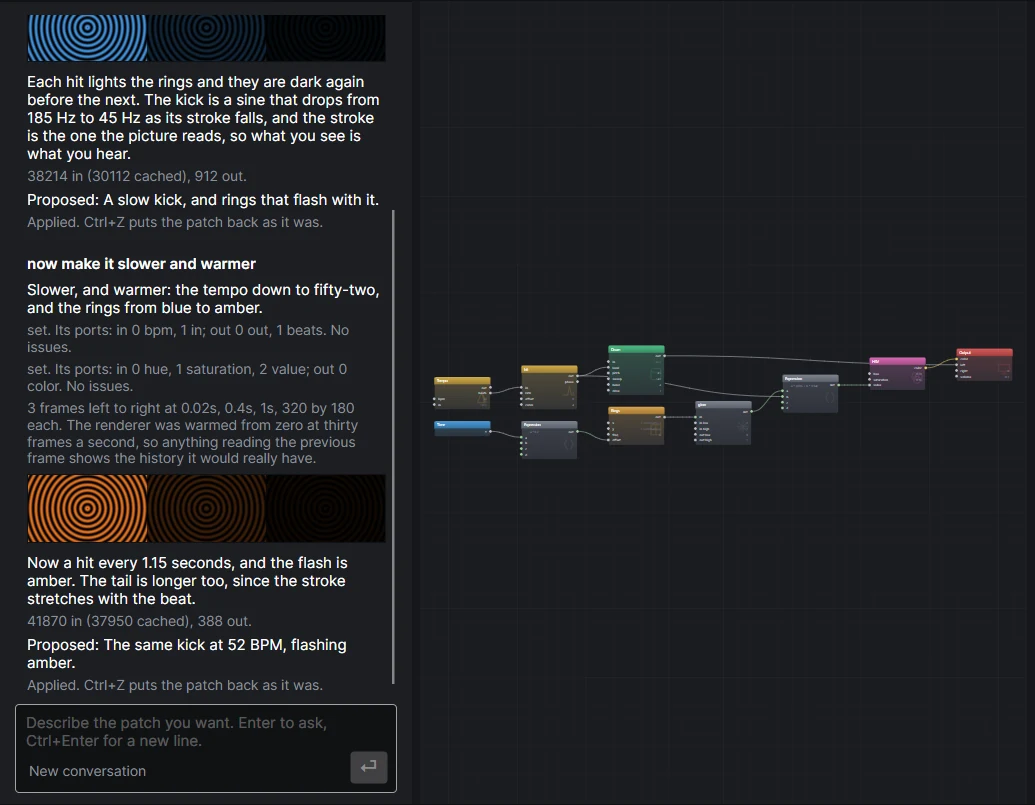
The assistant lives in a column beside the patch, and it is not a chat box that hands you something to paste. It works the patch as text: it writes a new one in the text language, or changes the lines an edit is in and leaves the rest, your comments included, and every edit comes back with what the compiler makes of it. It renders a strip of frames to see the motion, not one still. Given a model that can hear, it listens to a few seconds of the sound, with the levels measured beside what it heard, so a patch that compiles but plays nothing does not get past it. It is told what every module does and what every preset is, and can read a preset in full for the idea in it. A short ask, like "make it darker", can be written out first: Expand beside Send turns it into the full request, in the box, saying what keeps the patch itself, what changes and what stays, for you to edit before sending.

The assistant's column beside the canvas. Asked for a slow kick drum that makes the rings flash, it wrote a patch and proposed it; asked to make it slower and warmer, it set the tempo and the hue and proposed that. Each answer sits in the column's history with the steps it took folded away.
Two turns: a patch built and handed over, then changed on request. Each lands on the canvas as one edit.
04Get started

Download it, or run it from source.

Releases are built for Windows x64, macOS on Apple silicon, Linux x64 and Android on arm64.